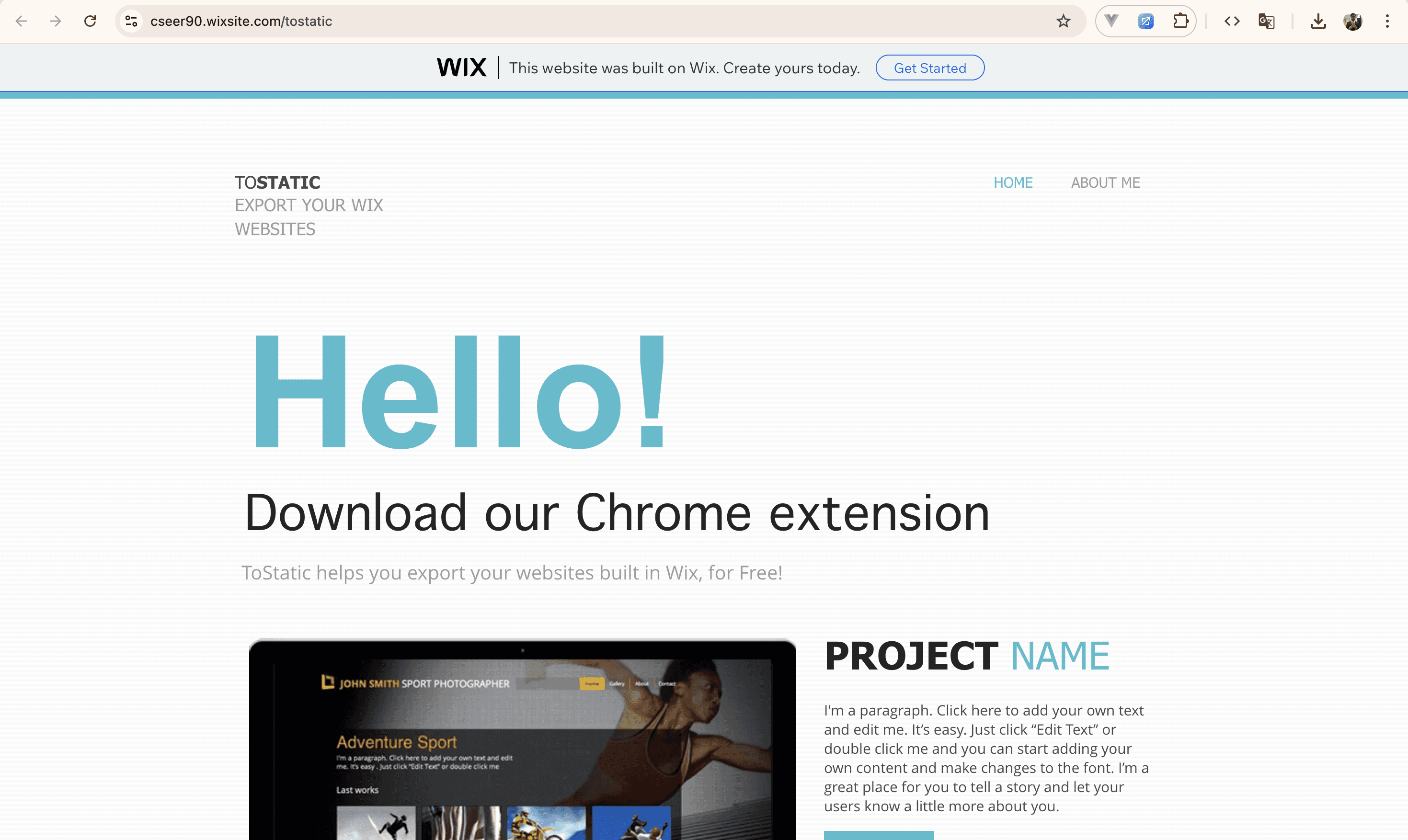
On project page
On your project page, click the ToStatic extension icon. It will automatically fill in all the needed details. When you click Continue, you site will be added to the app and a sidebar will open with more options.
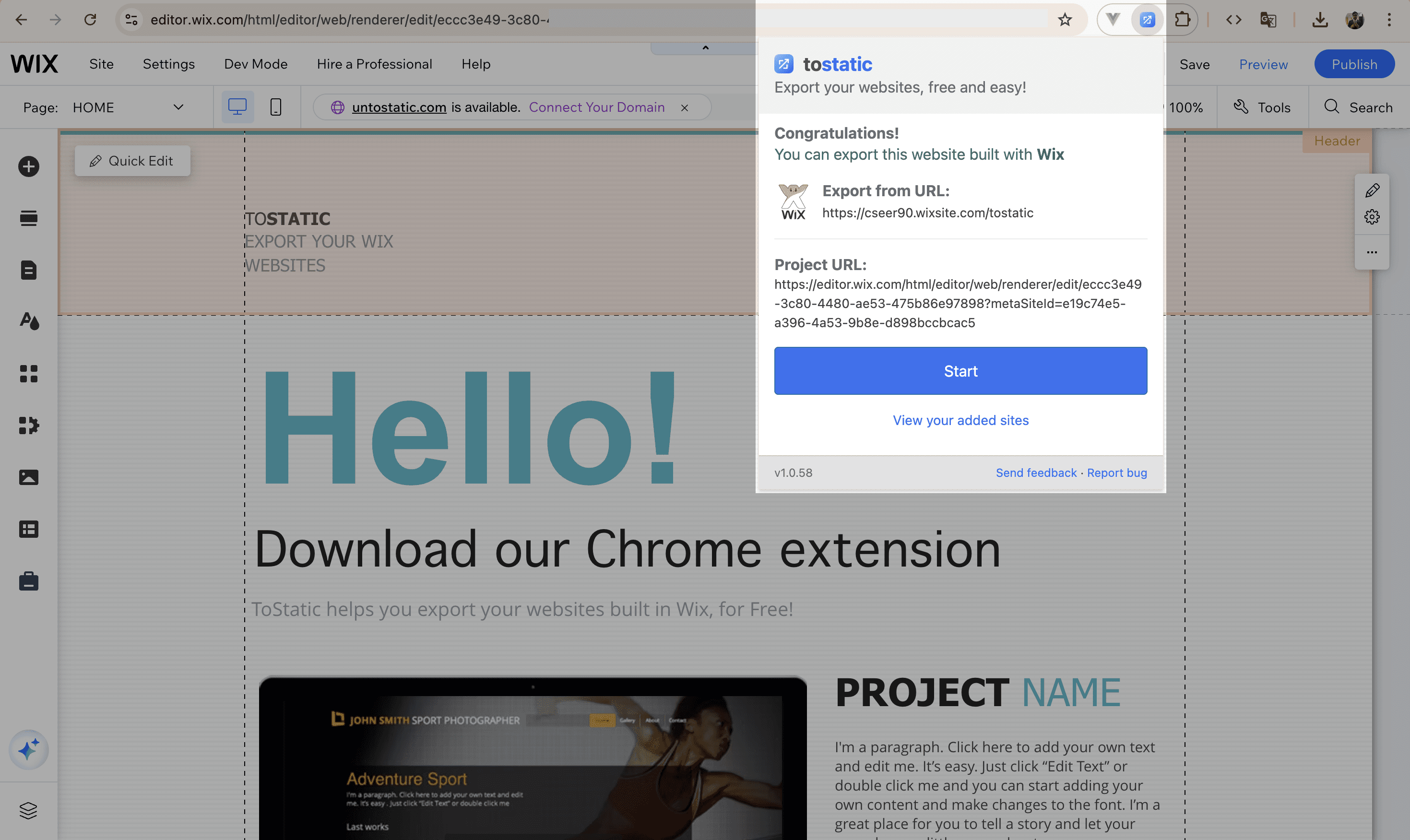
On your Wix website
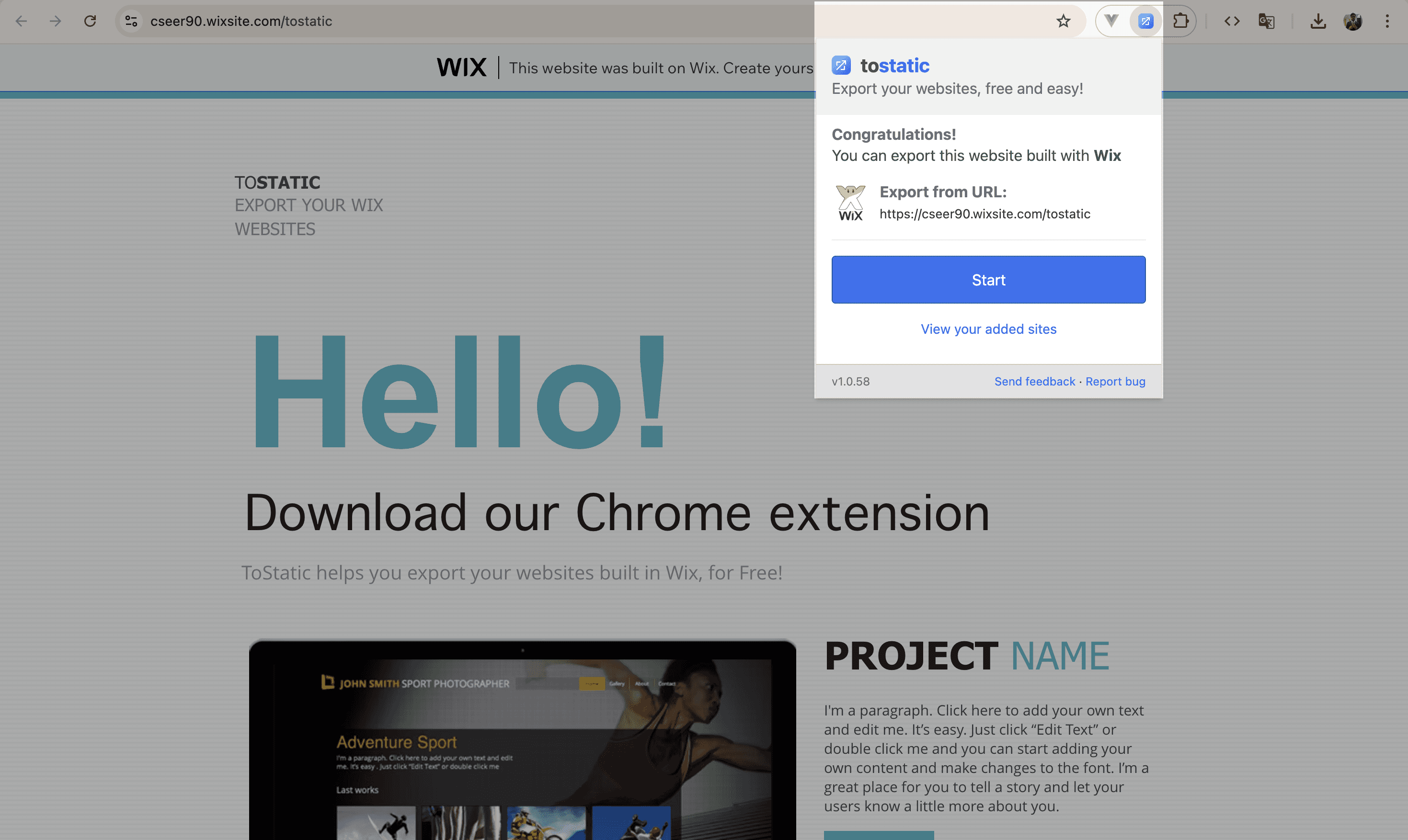
Open your Wix website (e.g., username.wixsite.com/sitename), open the ToStatic extension. It will automatically detect the page as a Wix website and fill in the details. When you click Start, sidebar app will open where you will need to provide your project URL (URL of your Wix project) for verification.
In manual addition like this, project verification is required to ensure that no one else can use our platform to export someone else's work.
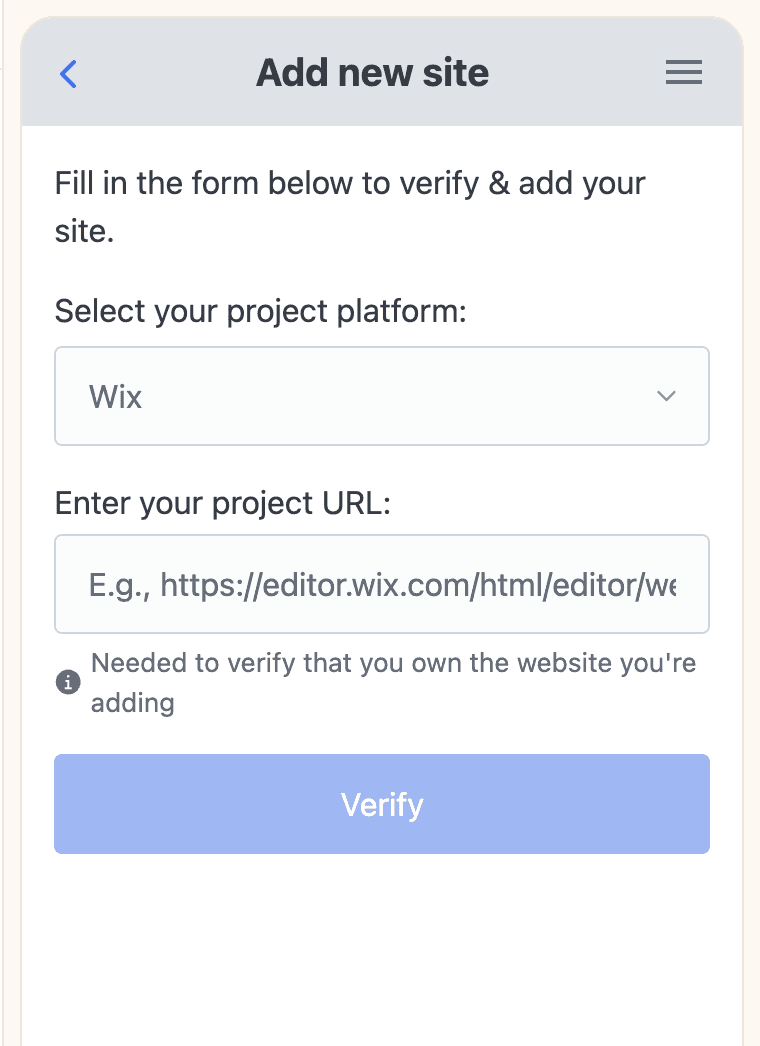
Or, Fill in everything manually
Click on the "View your added sites" link to open the sidebar app. Therein, click on "Add another site". In the form, you will need to provide your website URL as well as your project URL and then verify ownership.
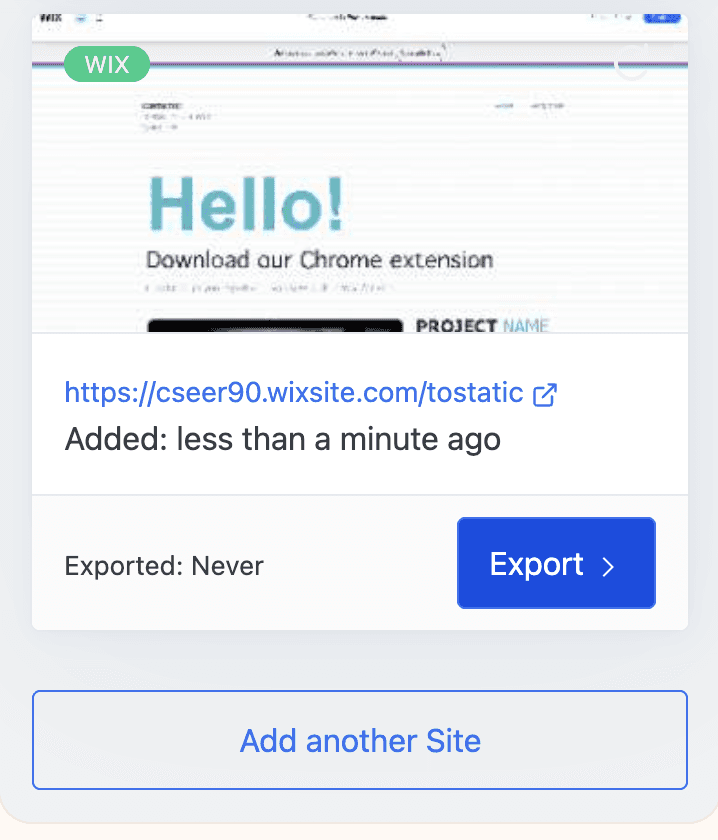
Start Exporting
Update your website thumbnail or start using Export options
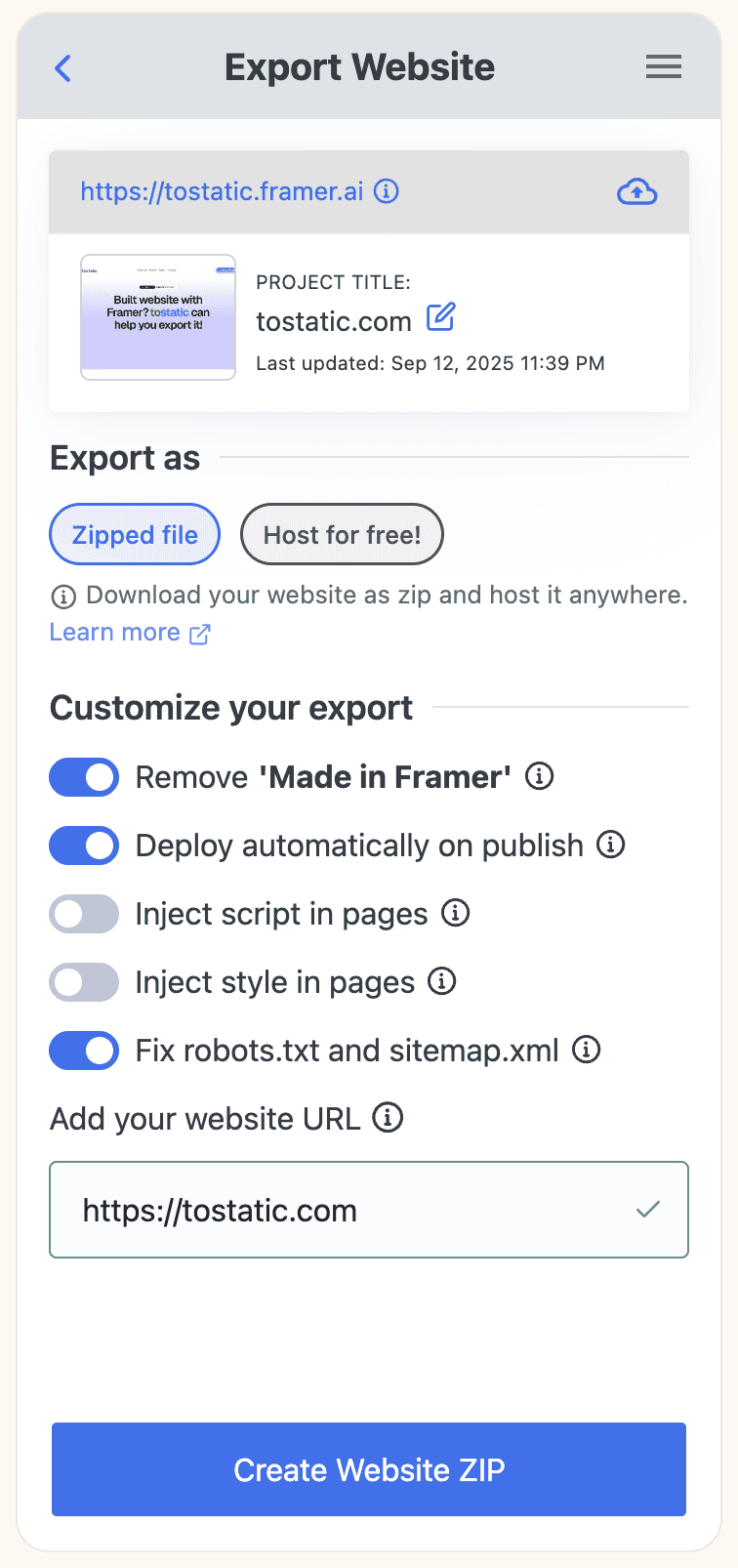
Export, host. All for free
Use integrations to export your website directly to your Netlify or Surge.sh accounts